AI Experience Without Switching Screens: SAP GUI Integration

In the technology world, "Context Switching" is productivity's biggest enemy. When you encounter a problem, leaving the development environment, opening a browser, searching on Google, copying the found code, and returning to SAP... During these back-and-forths, you lose focus and waste time.
Vex-Hub at Your Fingertips
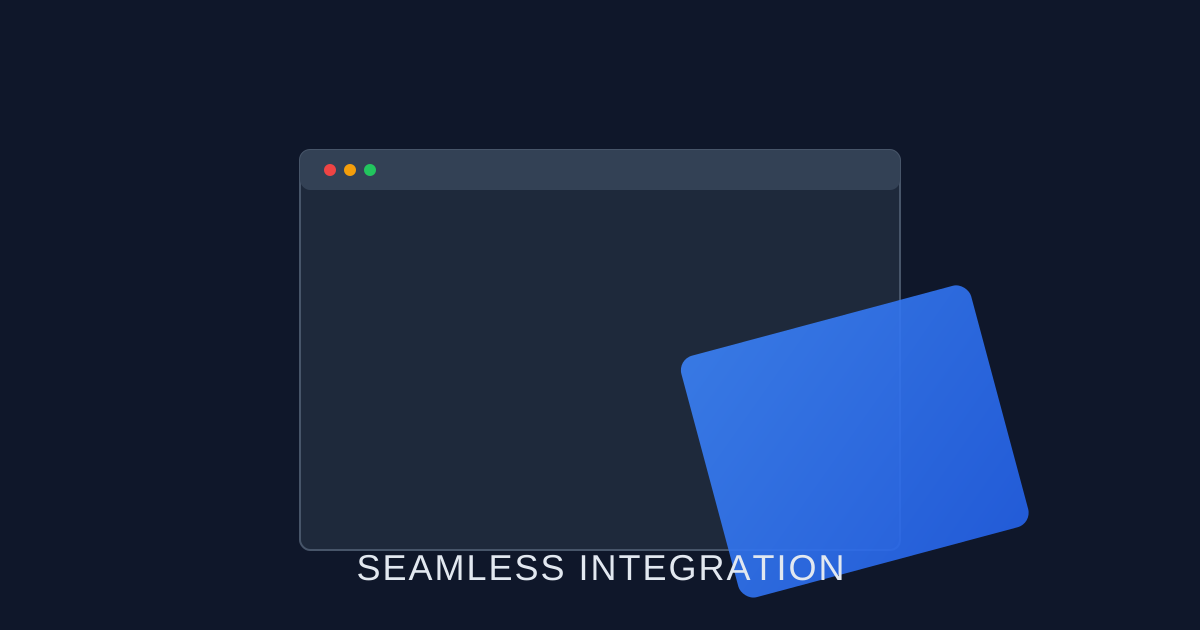
One of Vex-Hub's most appreciated features is its seamless integration with SAP GUI. We call this the "Frictionless Experience." Your AI assistant isn't in another window—it's right inside the editor where you're working, just a keyboard shortcut away.
Forgot a Function Module's parameters? Or want to optimize the select query you wrote? Use the integrated button within SAP GUI to instantly open the Vex-Hub chat window and consult your assistant. Reach solutions quickly with AI support directly within your development environment, without switching screens.
Not Just Code, Process Support Too
This integration isn't just for developers—it applies to end users too. A user getting an error while entering an accounting document can press the Vex-Hub button instead of taking a screenshot and sending an email, instantly seeing the error explanation and (if authorized) the solution suggestion.
Improving user experience isn't just about beautifying the interface—it's about making work easier to do. Vex-Hub brings the speed and comfort of modern technology to SAP GUI's gray and serious world. Focus on your work and leave the rest to your assistant.
If you enjoyed this article, you might also like:
- →A New Era in Module Consulting: Accelerate Your Processes with Vex-Hub
Vex-Hub isn't just for technical teams—it's an indispensable assistant for functional consultants too. Customizing and process analysis in modules like MM, SD, FI has never been this easy.
- →Maximize HANA Performance: SQL Optimization
Are you really benefiting from in-memory technology's power? Analyze your database queries with Vex-Hub and supercharge your SAP HANA performance.